

Upscale video
Use Swin2SR to increase the width and height of each frame by 4×.
Upscale videos and change their backgrounds.
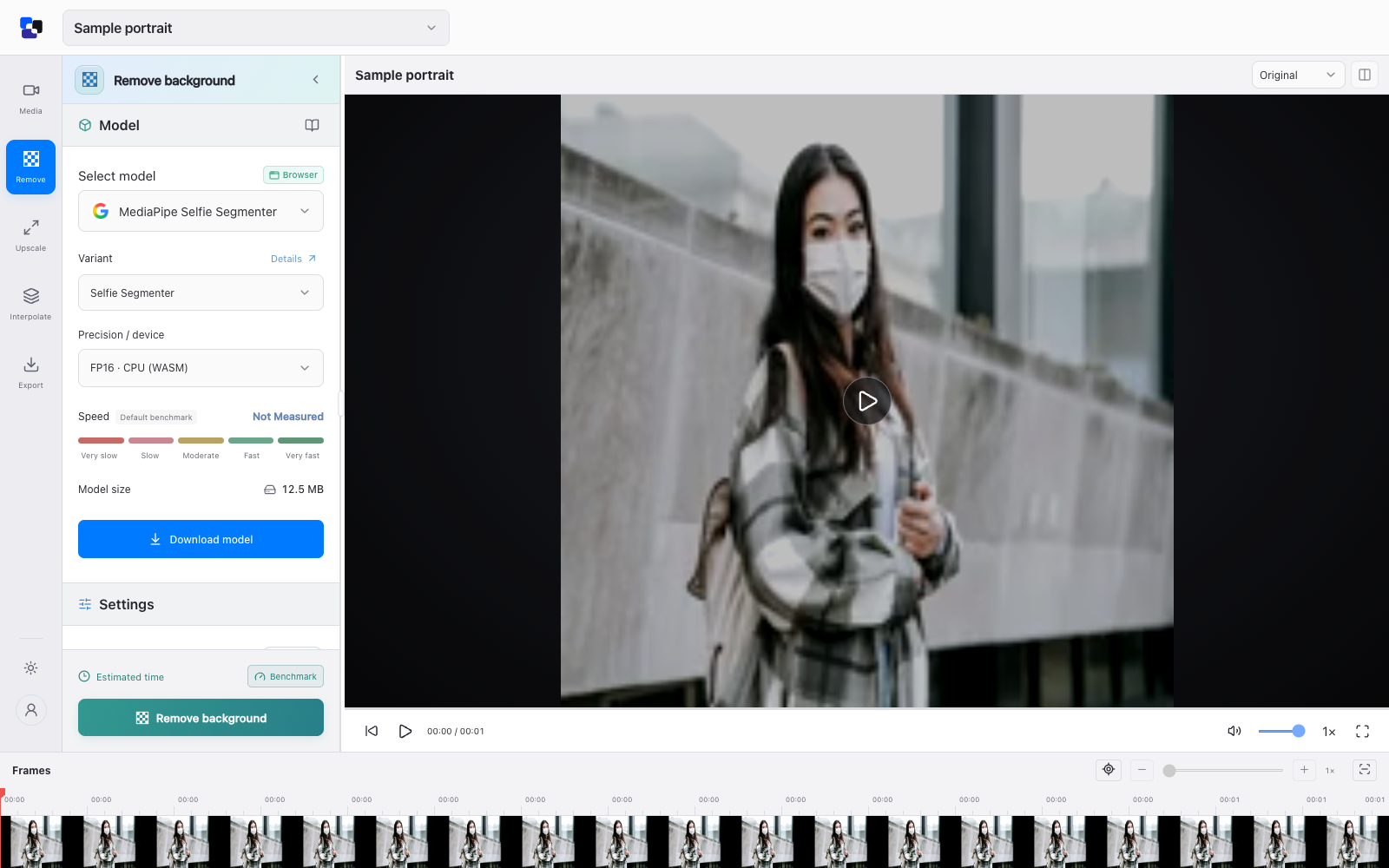
Upscale video or replace its background while keeping the original audio. Preview your results before exporting a new video.
Use Swin2SR to increase the width and height of each frame by 4×.
Choose a local segmentation model and replace the background with a color.
Process the picture while retaining your video's sound.
Choose a video from your device.
Select upscaling or background removal.
Process locally and export your video.
We’ll email you when Local AI Video Studio is ready.
 Computer Vision Lab, CAIDAS, University of Würzburg
Enlarge an RGB image to four times its width and height while reducing common blur and compression artifacts. Returns the enlarged image pixels; it cannot recover guaranteed true detail missing from the original.
 Stefan Schirrmacher
Separate people from an image background for background removal or replacement. Returns a foreground matte and transparent-image output; designed primarily for human subjects.
 ZHKKKe
Remove a portrait background by estimating how much each pixel belongs to the person. Returns a soft foreground matte without requiring a manually prepared trimap; fine hair and edges may need review.
 Google
Separate the prominent person from an image background. Returns a transparent PNG and an alpha-mask image for replacing or removing portrait backgrounds.